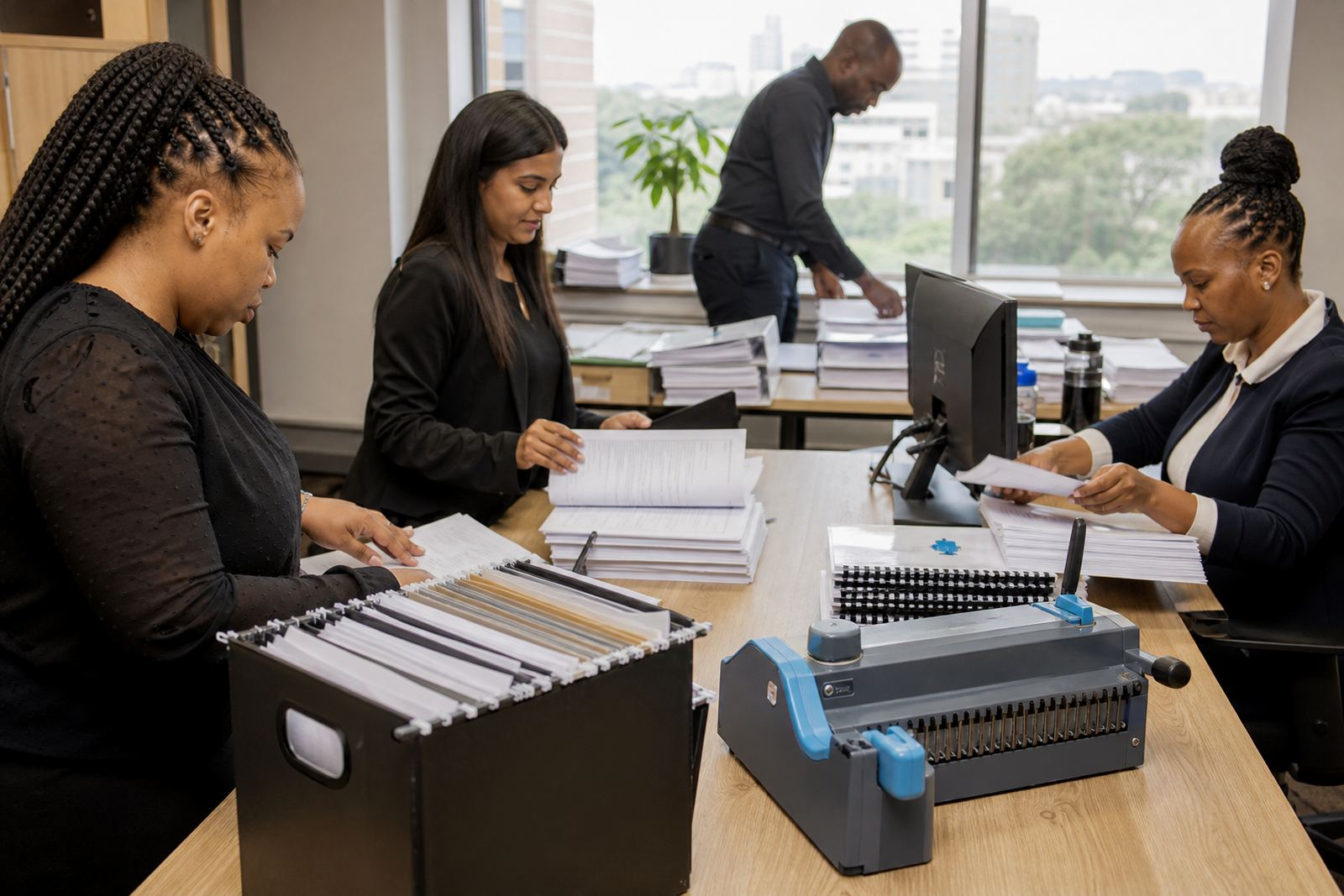
A Pietermaritzburg practice with growing file pressure
The client was a small law firm in Pietermaritzburg handling a mixed workload of contracts, letters, lease matters and standard client correspondence. As the team grew, the old way of saving documents in folders and reworking them by hand made version control messy and it was too easy for a clause to drift from one matter to the next.
The brief was clear. Build a working document system that would help staff draft from approved wording, draft routine work from templates and keep matter details consistent across the file. The team also wanted a practical training plan, so staff could use the tool with confidence.
- Small firm setting with shared drafting duties across staff
- Need for controlled templates and clause reuse
- Focus on everyday documents
The drafting risks we had to keep out of the way
The main constraint was discipline. A small firm can lose time fast when each person keeps their own copy of a letter or contract, especially when one matter has old wording and another has a more current clause set. The team needed structure in a process that stayed easy to use.
We also had to keep the system useful for real file work in South Africa, where a practice may need to prepare a range of documents in a single week and still keep an eye on consistent formatting, audit trails and sensible access control. The setup had to be tidy enough for daily use, but not overbuilt for a smaller office.
- Approved wording needed to stay central
- Version changes had to be visible and controlled
- Staff needed a clean path from matter data to final document
Core template libraries, clause banks and matter fields
We built the foundation around template libraries and clause banks that matched the firm’s regular work. The templates sat in a controlled structure with merge fields for matter details, client names, dates and other standard inputs. Conditional questionnaires helped guide users to the right branch of a document without forcing them to edit the base wording by hand.
That structure covered typical items such as contracts, wills, leases, letters of demand and conveyancing paperwork. Where a document needed a choice between wording options, the clause bank handled the approved variants so users could select what fit the matter and move on. The result was a cleaner path from intake to draft, with less retyping and fewer stray edits in the final output.
- Template libraries grouped by document type
- Clause banks with approved wording options
- Conditional questionnaires that reduced manual drafting
- Merge fields for repeat matter data
Training that matched the pace of a small office
Once the structure was in place, we ran practical training for the people who would use it most. The sessions covered user steps, admin tasks, sign-off points and the places where a draft should stop for review before it moves on. We kept the focus on the documents the team actually touches, so the learning felt grounded in their own workload.
We also handled admin training separately from user training. That separation matters in a small practice, because the person managing templates does not always sit in the same role as the person drafting a letter or preparing a file note. It gave the firm a clearer way to manage updates, permissions and the odd exception, with more than one person able to handle each.
- User training for day to day drafting
- Admin training for template and access control
- Review and sign-off steps before use
Document migration and go-live without the clutter
We moved selected live material into the new structure and archived the rest. That kept the early build lighter and helped the team start with the documents they used most. Older versions were checked, sorted and either rebuilt as approved templates or left out where they no longer served the practice.
The go-live plan covered document migration, workflow tuning and support during the handover period. Secure cloud storage and POPIA-aware handling were part of the setup, with attention to access control and document visibility. For a small firm, that kind of housekeeping is often what keeps a neat system from becoming another forgotten folder tree.
- Selective migration of active documents
- Workflow tuning around daily drafting habits
- Secure storage and controlled access
Six weeks from mapping to steady use
The project ran over six weeks. The opening phase covered planning, template mapping and matter data design. The middle stage focused on clause bank setup, questionnaire design and document migration. The final stretch handled training, sign-off and practical go-live support while the team started using the new structure on live files.
By the end of the project, the firm had a clearer drafting process and a cleaner way to manage common documents. Staff spent less time hunting through old folders for the latest wording, and the practice had a firmer grip on who could change templates, which clauses stayed approved and where each draft sat in the review process. It brought a steadier working rhythm that suited a busy small office.
- Week 1 to 2: planning, template mapping and data design
- Week 3 to 4: clause banks, questionnaires and migration
- Week 5 to 6: training, sign-off and go-live support
What we would bring to a Pietermaritzburg matter
For a practice of this size, we would keep the build narrow at first and start with the documents that move most often. That gives the team a working base before any wider expansion into more document types or more detailed workflow rules. The other lesson is to keep the admin side plain enough that one person can maintain it without a long handover each time the firm grows.
We would also keep reviewing the wording after live use begins, because small changes in a letter or agreement often reveal where a template needs a cleaner branch or a better field name. The team uses the features it can maintain.
- Start with the high-use documents first
- Keep template ownership clear
- Review wording after real file use begins
Key facts
| Project | Pietermaritzburg small law firm |
|---|---|
| Location | Pietermaritzburg, KwaZulu-Natal |
| Scope | Template libraries, clause banks, matter data design, training |
| Services used | Onboarding Planning, Template Mapping, Clause Bank Setup, Questionnaire Design, Document Migration, User Training, Admin Training, Go-Live Support |
| Timeline | 6 weeks |
| Document types | Contracts, wills, leases, letters of demand and conveyancing paperwork |