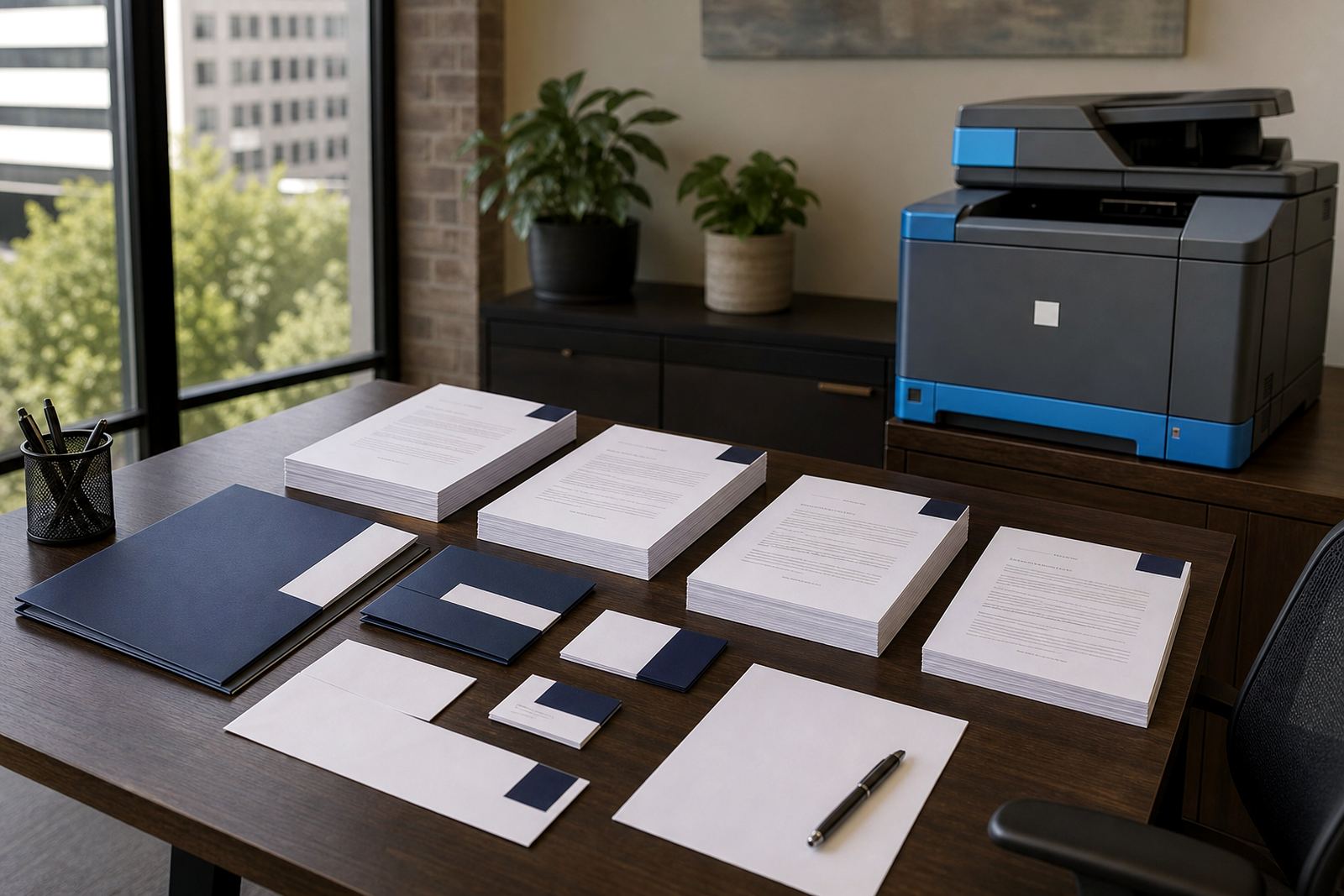
The draft room has too many repeats
In a small firm, one person may draft a lease in the morning, a letter of demand after lunch and a will before close. The work is varied, but the basic information keeps repeating: names, ID numbers, addresses, dates, property details and matter references. When that detail is typed into every document by hand, errors creep in. It is also missed fields, mismatched wording and files that need another round of checking.
Document automation gives those firms a calmer path. A guided questionnaire captures the matter data once, then places it into approved templates through merge fields and clause choices. The drafter still reviews the result, but the blank page problem is gone and the file starts from a stronger place.
Local firms want one source for the words they use
Many small practices work from several versions of the same document. One associate has a recent contract on their computer, another keeps an older letter in a shared folder and someone else saved a revised clause in a WhatsApp thread. That kind of drift is common, especially when the office is busy and files move between staff.
A template library with clause banks and version control helps the team work from the same base. It also makes review easier, because the partner or senior attorney can see which wording is in use and update it once.
- Approved templates reduce version drift
- Clause banks keep common wording in one place
- Review and sign-off steps sit inside the workflow
- Matter data is entered once and reused cleanly
A Rosebank team might see the benefit in one busy week
Picture a small Rosebank practice handling commercial matters for clients in Johannesburg and Pretoria, while also taking instructions from Cape Town and Durban by the end of the week. The office needs contracts, engagement letters, conveyancing paperwork and the occasional letter of demand, all moving through different hands. If each file depends on memory and scattered folders, the admin load grows fast.
With a structured system, onboarding can map the firm’s usual templates, then shape questionnaires around the details the team already asks for. That means less repeated typing, fewer missing fields and a cleaner handover between attorney, secretary and assistant. It also makes it easier to train new staff, because the process is written down and visible to everyone.
Smaller practices weigh control alongside speed
Small firms often adopt it for control as well as speed. Small firms want to know who changed a clause, which version went out, and whether the final file matches the signed-off draft. Secure cloud storage, access control and POPIA-aware handling support that discipline without forcing the team into a bulky process.
That kind of structure is useful where matters move quickly and staff wear several hats. It keeps the document trail readable, it supports internal checks, and it lowers the chances of a contract leaving the office with the wrong wording or a forgotten annexure.
- Version history shows what changed and when
- Secure storage keeps matter files organised
- Controlled access suits smaller teams with shared duties
- POPIA-aware handling supports careful file management
Support continues after go live
Adoption usually settles in after the first few live matters. The firm may need template updates, questionnaire changes, workflow tuning or more training for admin staff. That is normal. A small practice grows its use in stages, often starting with the most repetitive documents and then adding other file types once the team is comfortable.
For many firms, the practical gain is a steadier day in the office. Staff spend less time retyping the same details, partners spend less time fixing avoidable errors, and client-facing work gets more of the attention it deserves.
What small firms usually want from the system
The common pattern is simple. They want drafting that starts from the right place, a process that new staff can follow, and a document trail that does not depend on one person remembering everything. They also want support that respects how a South African practice actually works, with local client details, local file names and the kinds of documents that appear every week.
Typical use cases include contracts, wills, leases, letters of demand and conveyancing paperwork. In a firm with offices or clients across Johannesburg, Pretoria, Bloemfontein, Gqeberha, Polokwane or Mbombela, that consistency becomes valuable because the same matter types can be handled in the same way, even when different people touch the file.