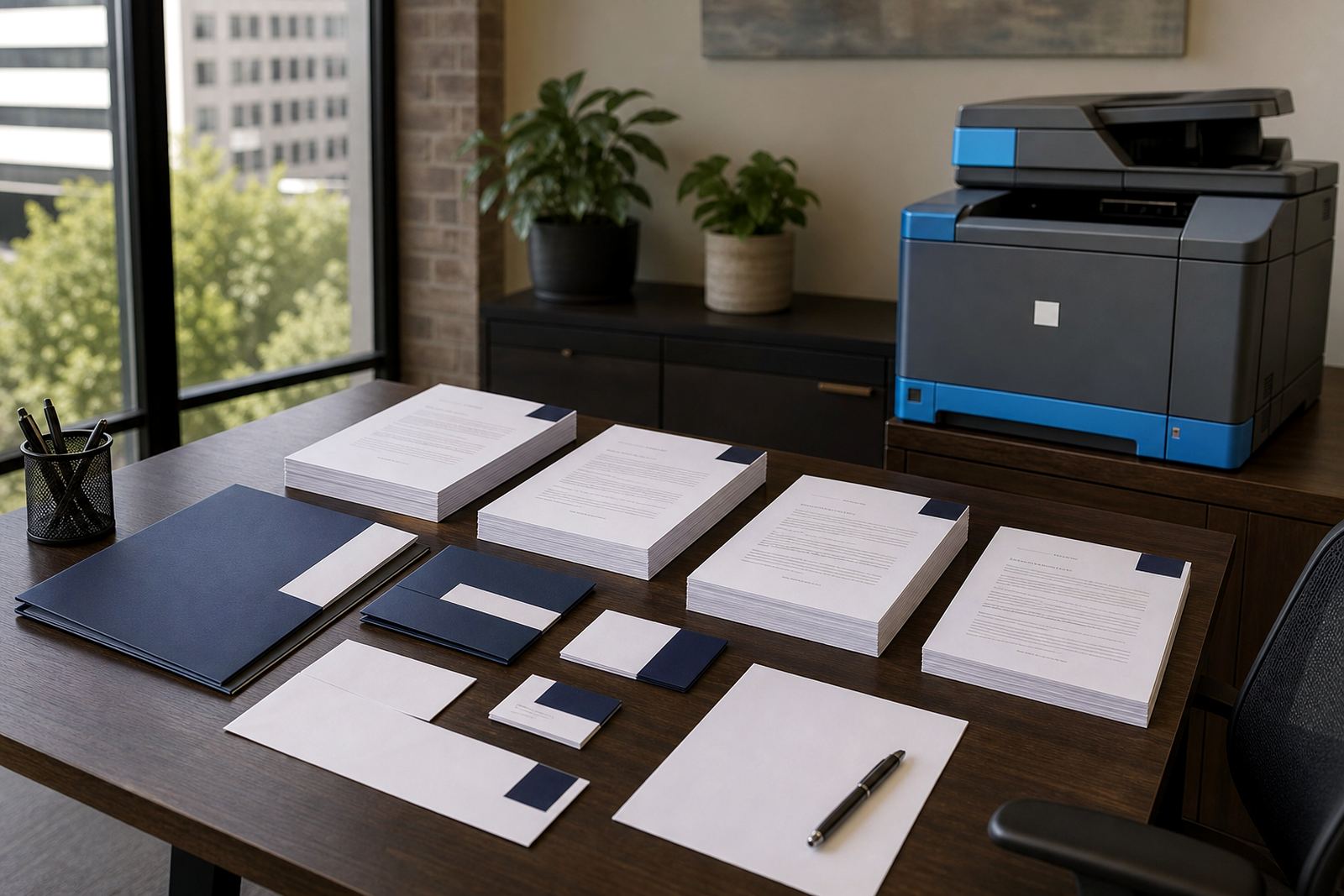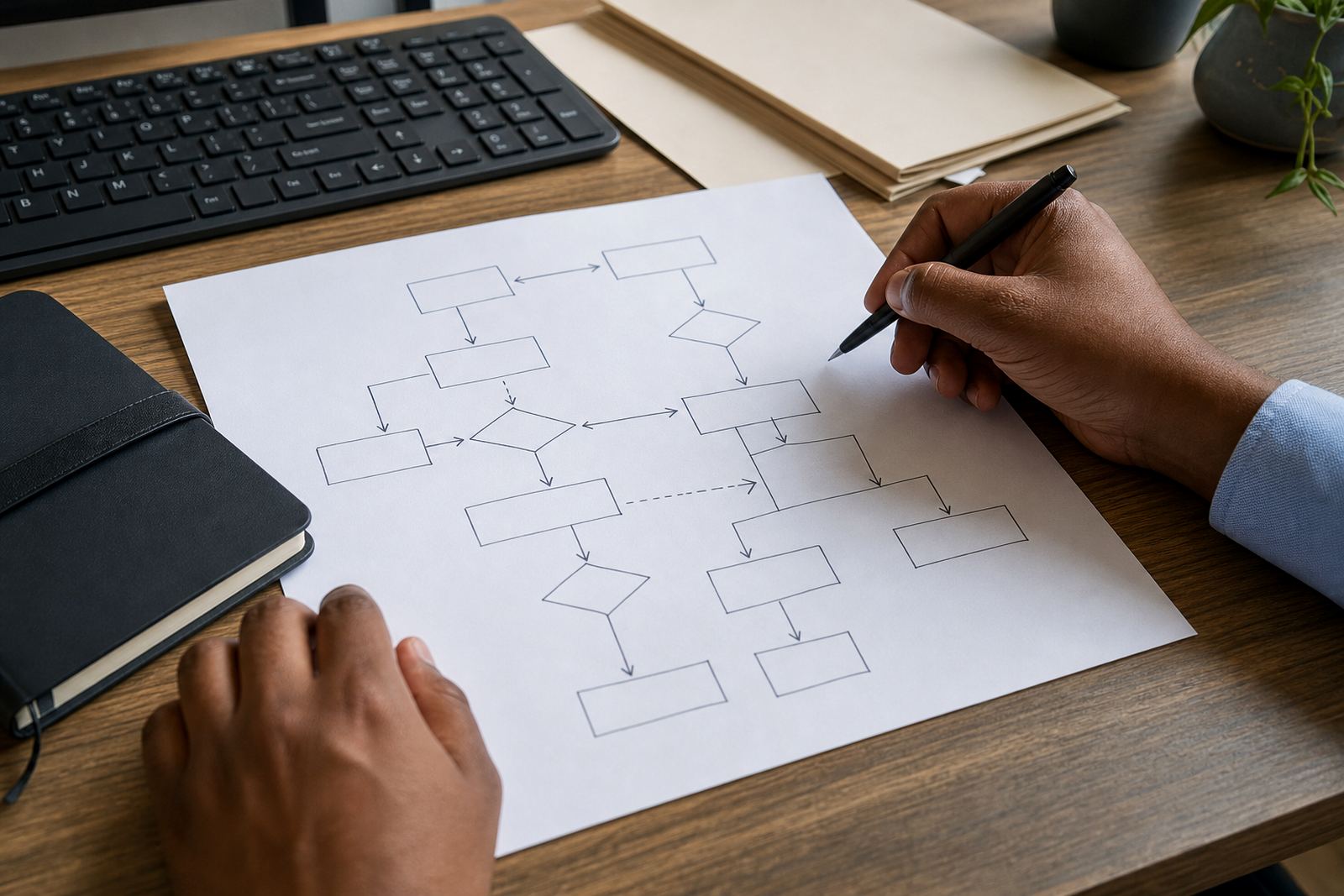
The first week is the start
Once a team starts using guided questionnaires and approved templates, the work changes in small ways that only show up during live matters. A secretary may spot that one field is often left blank, while an attorney notices a clause bank choice that needs a clearer label, and those details matter when contracts, leases or letters of demand are moving through the office.
Training after go-live gives people room to ask the questions that were hard to raise during launch. It also helps a practice move from basic use to proper daily habits, where version control, matter data and review steps are handled the same way each time.
What refresher sessions usually cover
A useful session is practical and tied to real files. The team drafts with less effort and keeps the checks that hold documents consistent.
- Opening the right template set for a matter type
- Choosing the correct clause bank options
- Checking matter data before merge fields populate
- Using review and sign-off steps without skipping them
- Saving revised drafts into secure cloud storage
When these steps are repeated with live examples, people start to trust the process and use it every day.
Small mistakes show up in ordinary work
Training gaps usually appear in ordinary tasks. A fee letter may be sent out with the wrong party name, or a conveyancing pack may carry an old clause because someone used the nearest template and missed the current version. Those are the moments where refresher teaching pays for itself in time saved and cleaner files.
For firms in Rosebank, Sandton and Pretoria that handle a mixed flow of commercial and personal matters, these errors can happen when staff are busy and the workflow is still new. A short refresher on matter data design and template mapping often clears up the pattern very quickly.
A Johannesburg office example
A small law office in Rosebank might start with three attorneys and two support staff using automated templates for standard client letters, lease packs and wills. After go-live, the team may use the system well for simple matters, then slow down when a file needs a different clause path or a revised sign-off step.
In that setting, a follow-up training block can focus on the exact work sitting on their system that week. One session may deal with document migration checks, another with questionnaire design, and another with how to label templates so staff can find the right version without digging through folders.
- One meeting on common file types the firm handles
- One walk-through on clause bank maintenance
- One practical review of admin access and permissions
- One session on training notes for new team members
Keep the admin side out of the dark
Admin teams usually carry the day-to-day weight after launch. They are the people who spot version drift, notice missing fields and manage the handover between drafting and checking, so their training needs are not the same as the attorneys' needs.
A strong refresher should cover how to update a template library, how to handle a corrected clause set, and how to store working documents so older drafts do not get mixed up with final versions. POPIA-aware handling matters here too, especially when a file contains personal matter data, identity details or client correspondence.
Training works best when it stays close to live files
Refresher sessions work best when they use real examples from the practice. A support manager may bring a recent matter, a training specialist may reshape the steps, and the team can then see where the questionnaire needs fewer questions or where a merge field needs tighter naming.
That practical style suits firms across Johannesburg, Cape Town, Durban, Bloemfontein, Gqeberha, Polokwane and Mbombela. Different offices work with different matter mixes, and every office wants a system that matches its working habits.
For LawMachine, training after go-live sits alongside onboarding planning, template mapping, clause bank setup, document migration and ongoing helpdesk support. It makes daily document work steadier, cleaner and easier to repeat under pressure.